
Make your first reaction
Map a gift to a VTube Studio hotkey and fire it from the event simulator, without going live.
An event mapping is one rule: when this happens on TikTok, do that to the model. This page builds one and tests it. You do not need to be live, and you do not need anyone to send you a gift.
You do need VTube Studio connected, with at least one hotkey defined for your model. See Connect VTube Studio.
Open the Events tab
Click Events in the bottom bar, then New Event.
The form has two halves: When this happens on the left, Do this on the right.
Choose the trigger
Set Event Type to Gift.
A Gift Name field appears with a Pick button next to it. Click Pick to open the TikTok gift catalog and choose Rose, which is the one-diamond gift almost every viewer sends.
Picking from the catalog rather than typing the name matters: the catalog stores the gift's numeric id, and matching on the id is exact. A typed name is matched case-insensitively against whatever TikTok calls the gift in your region, which is looser.
Choose the action
Set Action Type to Trigger a hotkey, then pick one of your VTube Studio hotkeys from the VTS Hotkey list.
The list is read live from VTube Studio. If it is empty, Vfinity is not connected, or the loaded model has no hotkeys.
Save it
Click Add Mapping. The rule appears in the list with a toggle on the right, switched on.
Fire it without a live stream
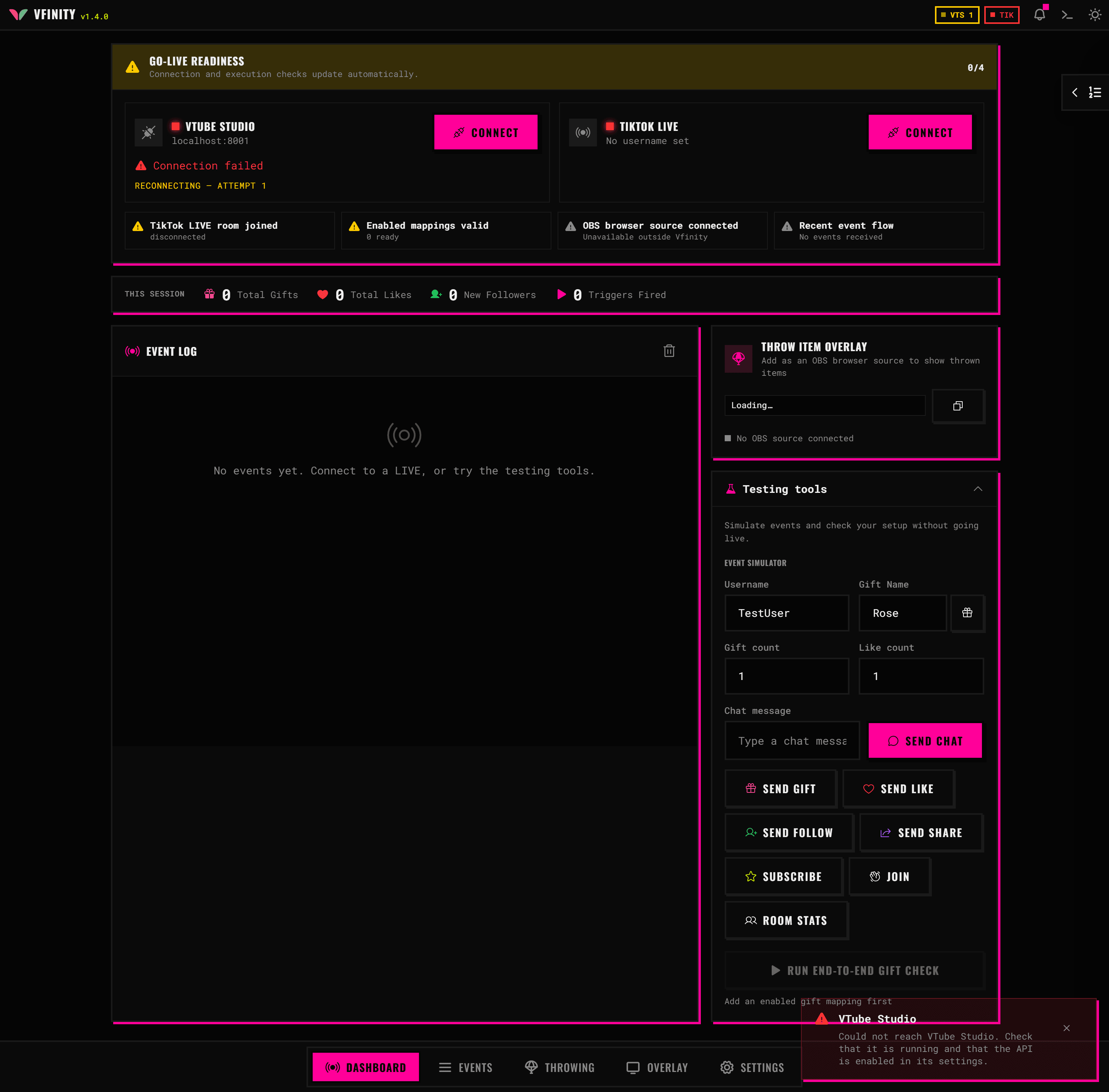
Go to the Dashboard and scroll to Testing tools. In the Event Simulator:
- Leave Username as it is, or type something.
- Click Pick a gift and choose the same gift you mapped.
- Set Gift count to
1. - Click Send gift.
The event appears in the Event Log, Triggers Fired goes up by one, and your model runs the hotkey in VTube Studio.
When it fires but nothing moves
Triggers Fired counts the rule matching, not VTube Studio doing anything. If the counter moves and the model does not:
- The hotkey exists but does nothing for the current model. Test it in VTube Studio directly.
- VTube Studio disconnected between the event and the action. Check the VTS pill.
If Triggers Fired does not move at all, the rule did not match. The most common cause is a gift name typed by hand that does not match the gift the simulator sent. Open the mapping and pick the gift from the catalog instead.
Useful things to add next
The mapping form has more than the four fields you used:
- Quantity Behavior decides what happens when someone sends five roses at once: run the action once, run it five times, or hold it five times as long.
- Max Triggers and Time Window cap how often a rule can fire, which is what stops one viewer spamming a hotkey.
- Count Mode decides whether a "10 roses" threshold counts across all viewers or per viewer.
Every field is described in Mapping options.