VFINITY
TikTok LIVE gifts fly at your VTube Studio avatar with real physics. Everything runs on your own machine.
Free · Windows · macOS · Linux
- TikTok LIVE
- Gifts, likes, follows, shares and comments
- VTube Studio
- Hotkeys, model movement and VFX presets
- OBS
- Browser source overlays, served locally
- Your own tools
- Stream Deck, Python, or anything that speaks WebSocket
How it works
One loop, three programs
Vfinity sits between the stream and the avatar. Nothing leaves your computer except the TikTok connection itself.
Someone sends a gift
Vfinity watches your TikTok LIVE room and picks up gifts, likes, follows, shares and comments as they arrive.
Vfinity matches a rule
You decide what each event does: press a VTube Studio hotkey, move the model, switch a VFX preset, or throw the gift at a body part.
Your model reacts
VTube Studio runs the action and the OBS overlay draws the throw, so viewers see the result in the same second.
VTube Studio listens on port 8001. The overlay server runs on 127.0.0.1:21424. Both are local to your machine.
Six ways chat wins
You keep the mic. Chat gets everything else.
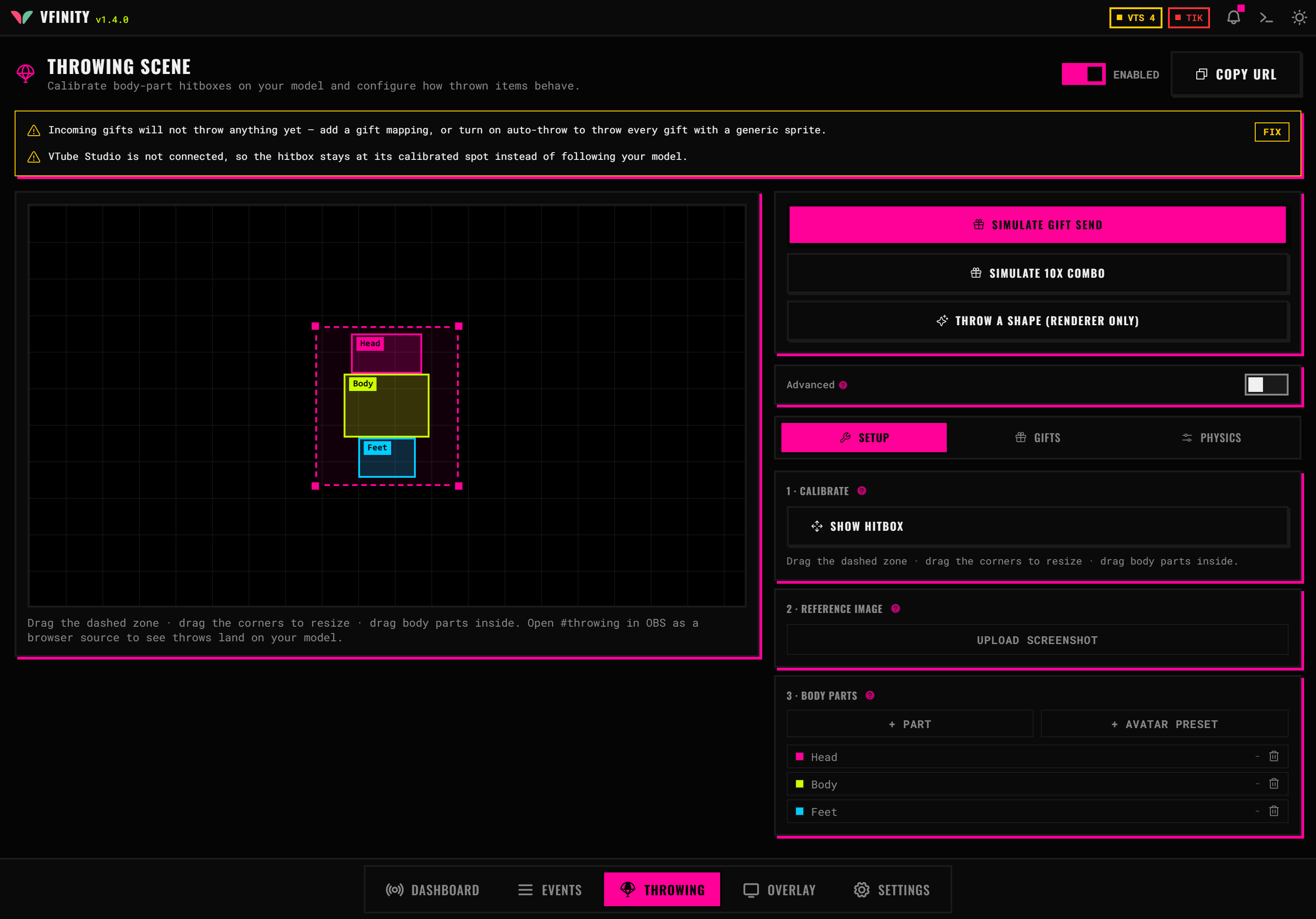
Gift physics
Gifts arc in and bounce off the hitboxes you drew. Every body part has feelings.
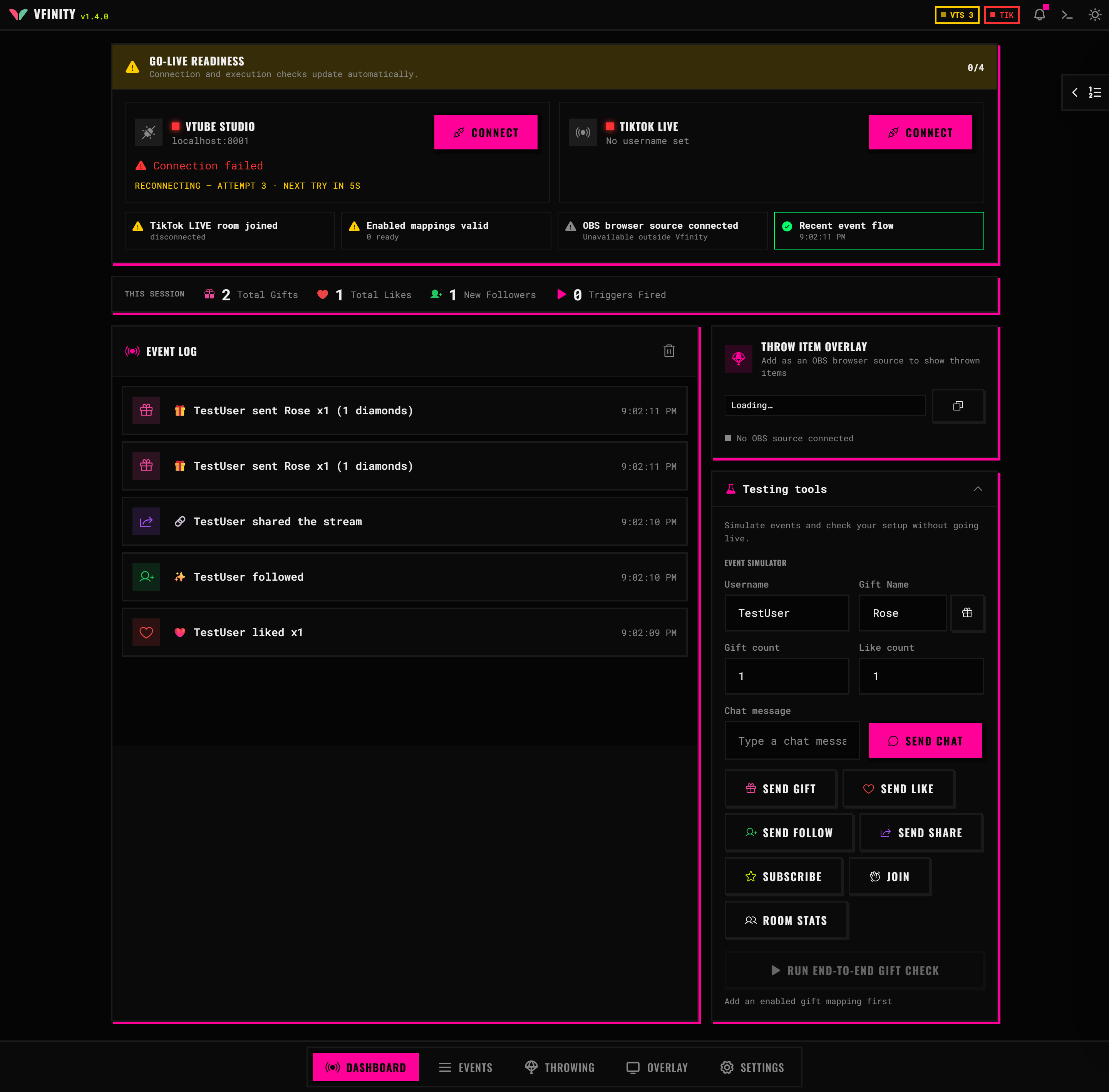
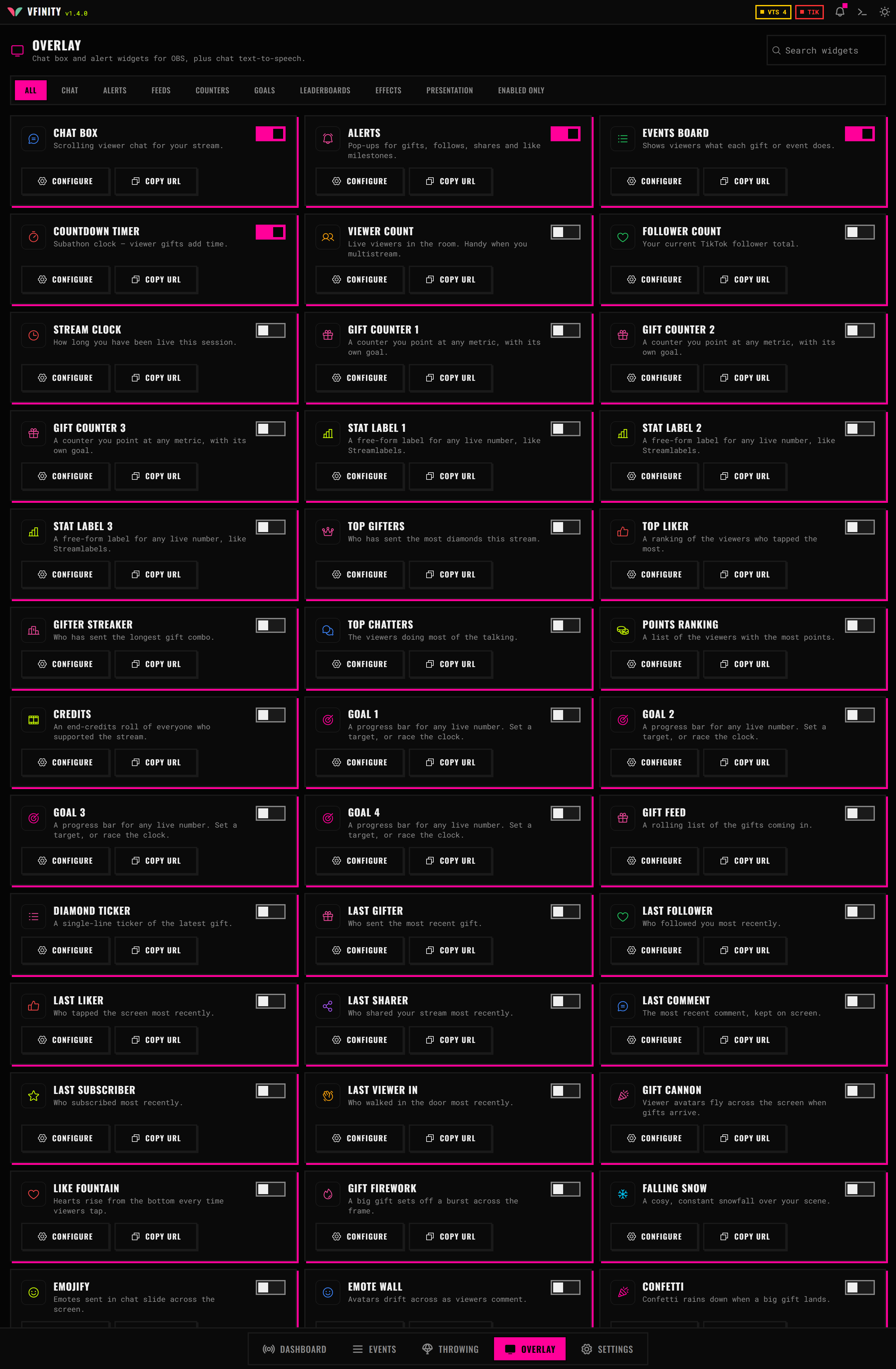
Take a look inside
Five tabs, dark by default, and a theme editor if you want it to look like something else.
Bring your model to life
Download it, connect VTube Studio, and set up your first reaction.
No account. No subscription. Windows, macOS and Linux.